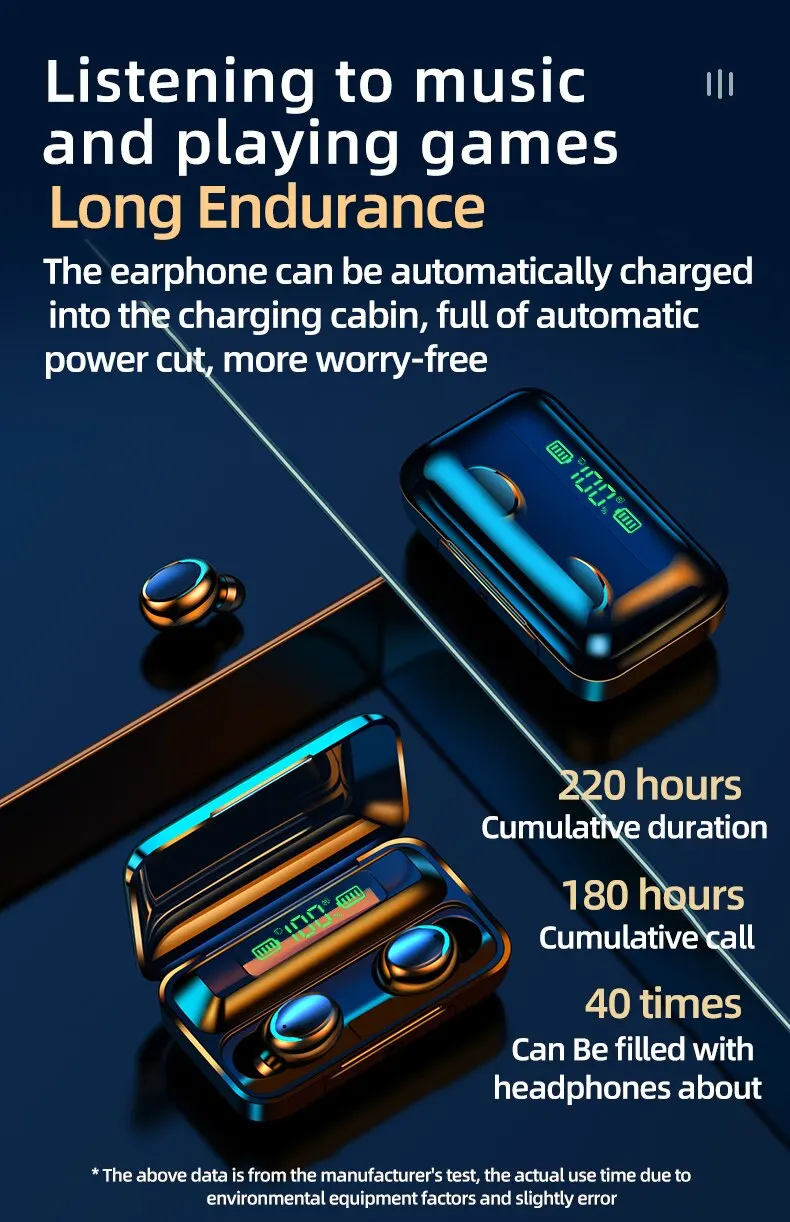
Wireless Bluetooth Earphones TWS Headphones LED Digital Display Binaural Headset Waterproof HD Calling Noise Reduction Headphone


Wireless Bluetooth Earphones TWS Headphones LED Digital Display Binaural Headset Waterproof HD Calling Noise Reduction Headphone
SPECIFICATIONS
Active Noise-Cancellation: No
Brand Name: AILEHKUO
Category: Earphones & Headphones
Certification: NONE
Choice: yes
Communication: WireLess
Control Button: Yes
High-concerned chemical: None
Material: Plastic
Origin: Mainland China
Style: Tws in-ear headphones
Vocalism Principle: Other
Volume Control: Yes
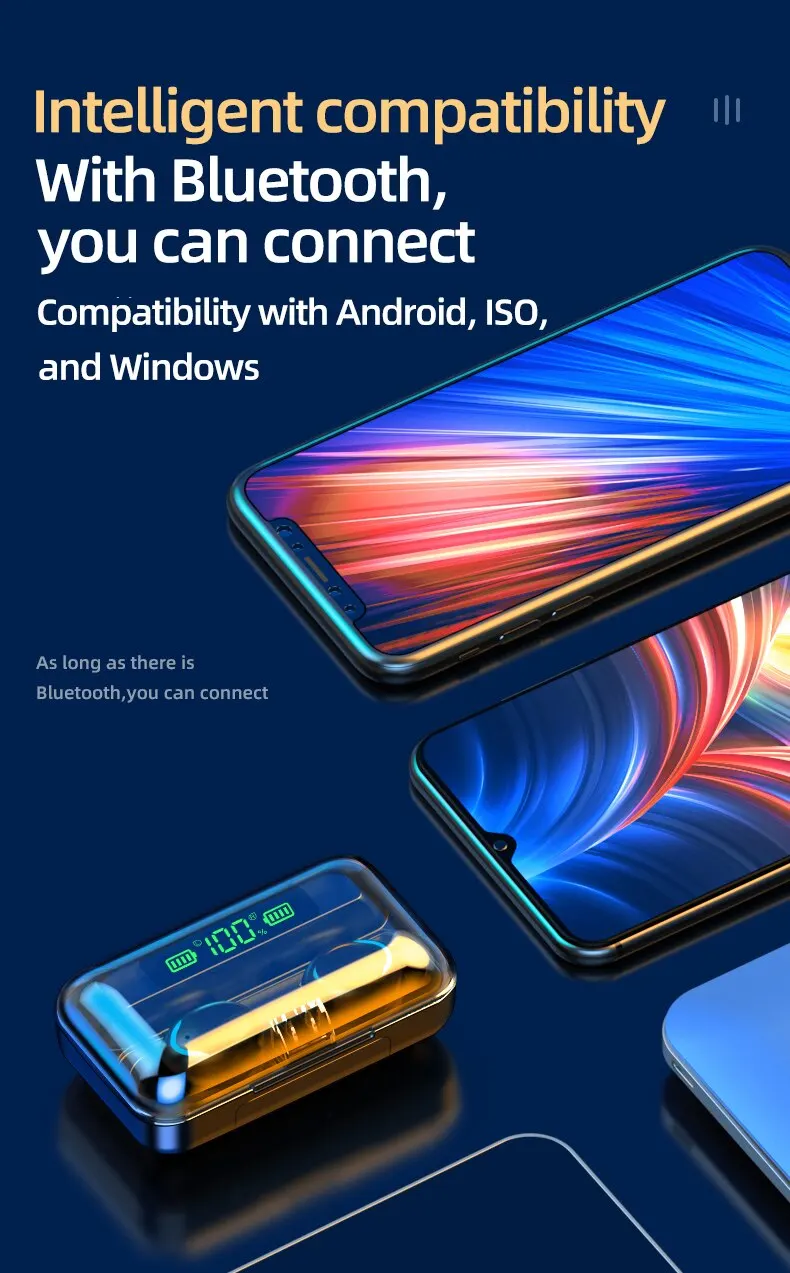
Wireless Type: Bluetooth
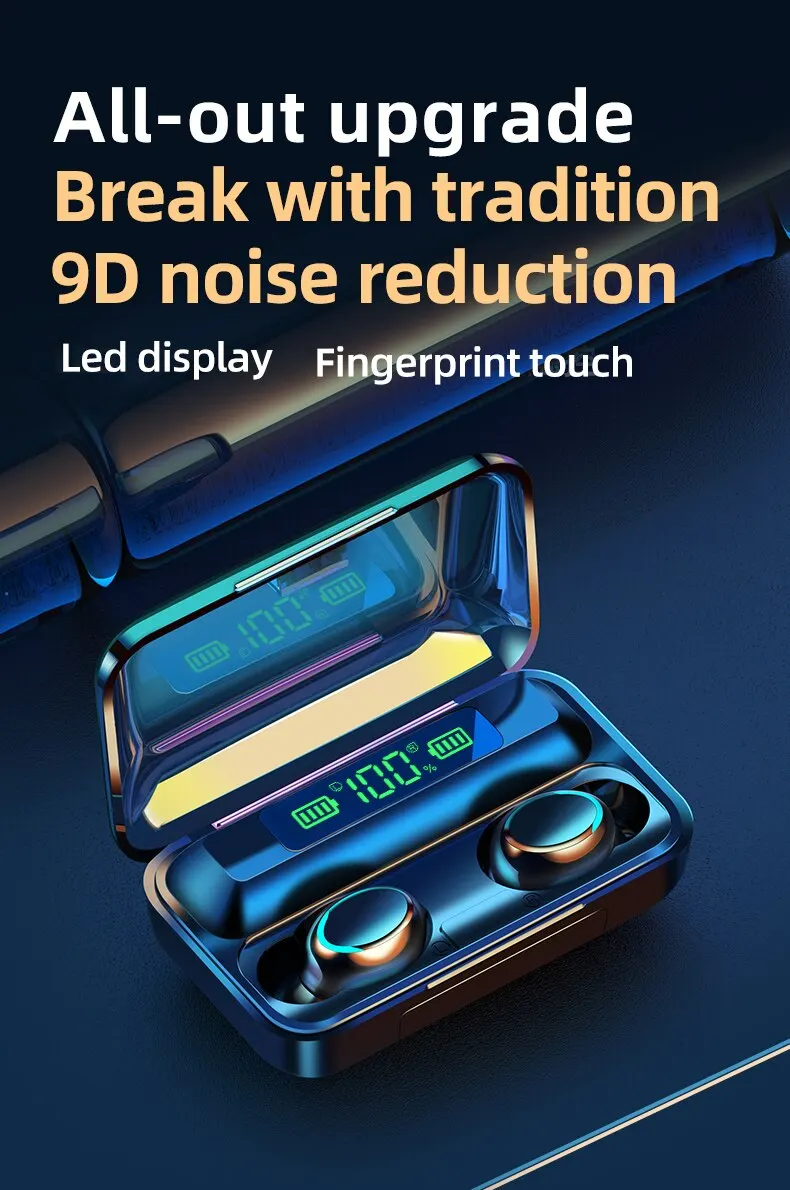
• Waterproof :These earphones are waterproof, making them perfect for outdoor activities or workouts.
• HD Calling :Enjoy crystal-clear voice calls with the high-definition sound quality of these earphones.
• CVC 8.0 Noise Reduction :The advanced CVC 8.0 noise reduction technology ensures that you can enjoy your music without any distractions from the outside world.
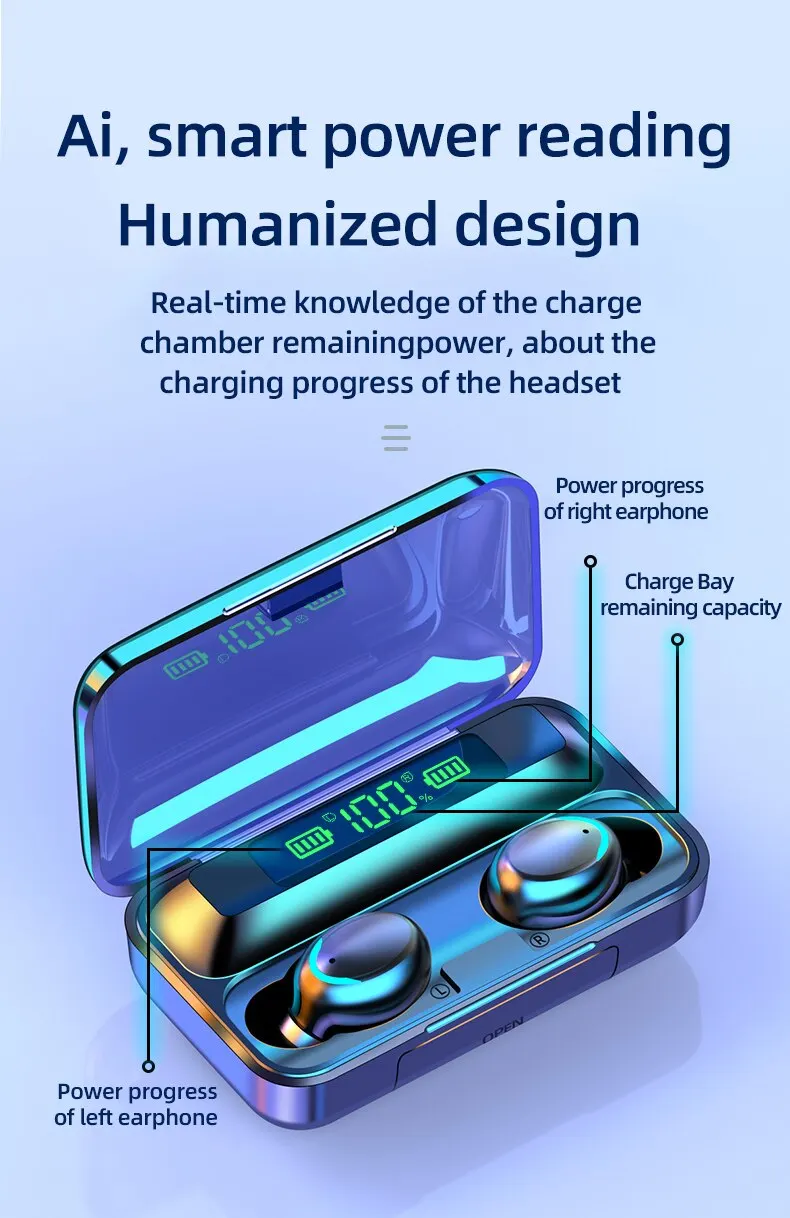
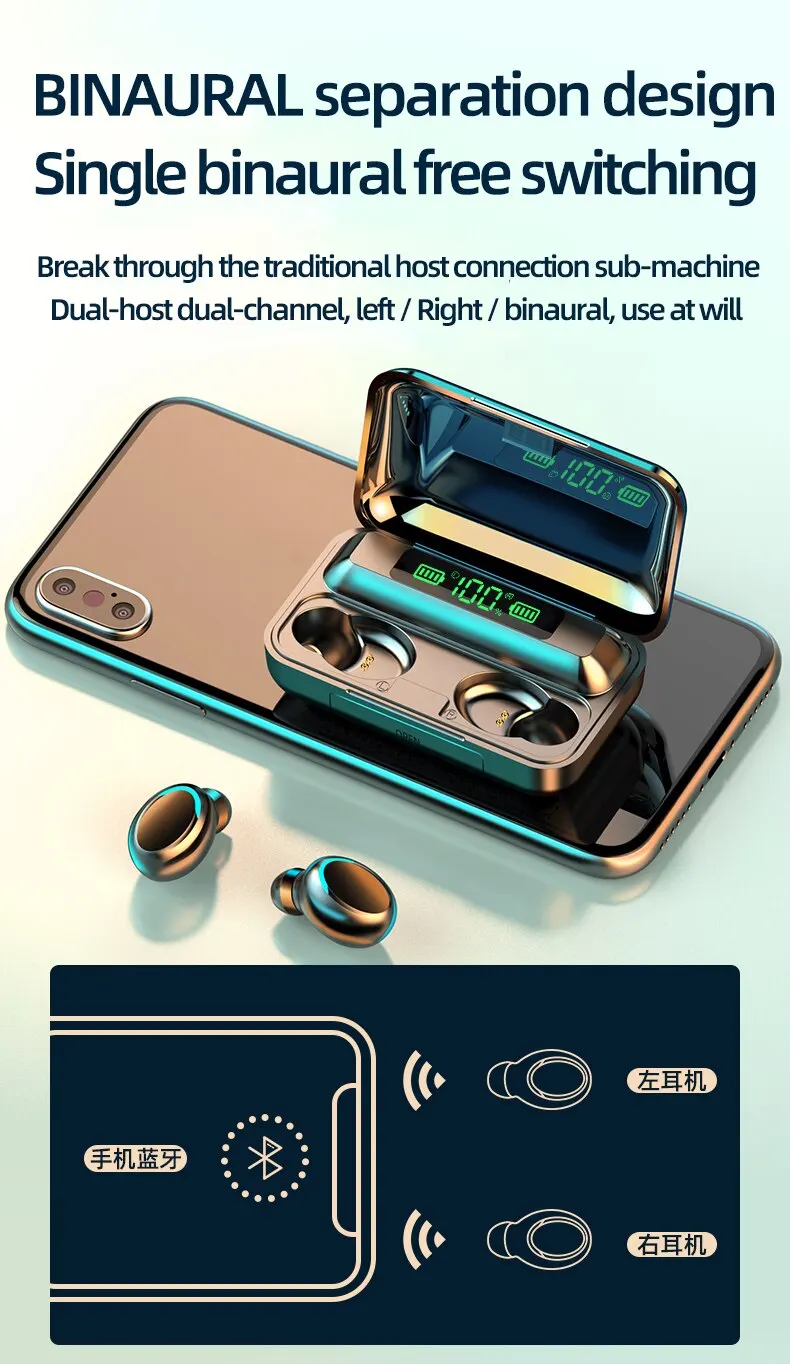
• LED Display :The LED display on these earphones makes it easy to check the battery level and other important information.
Product model: F9
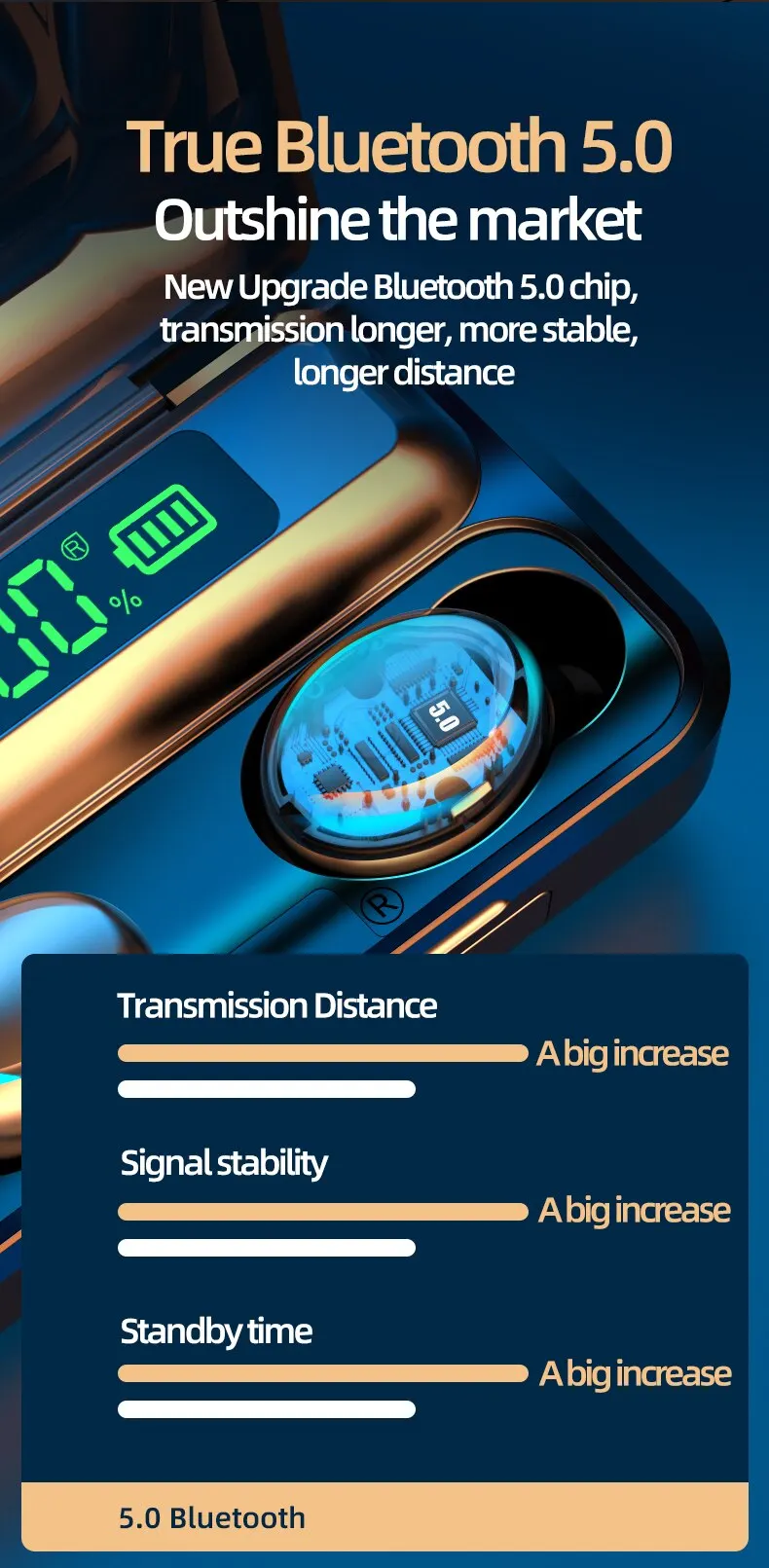
Communication distance: 10m (under accessible conditions)
Standby time: approximately 160h
Single earphone capacity: 50mAh
Bluetooth version: 5.2
Noise reduction version: CVC8.0
Music call time: approximately 3-4 hours (default startup volume)
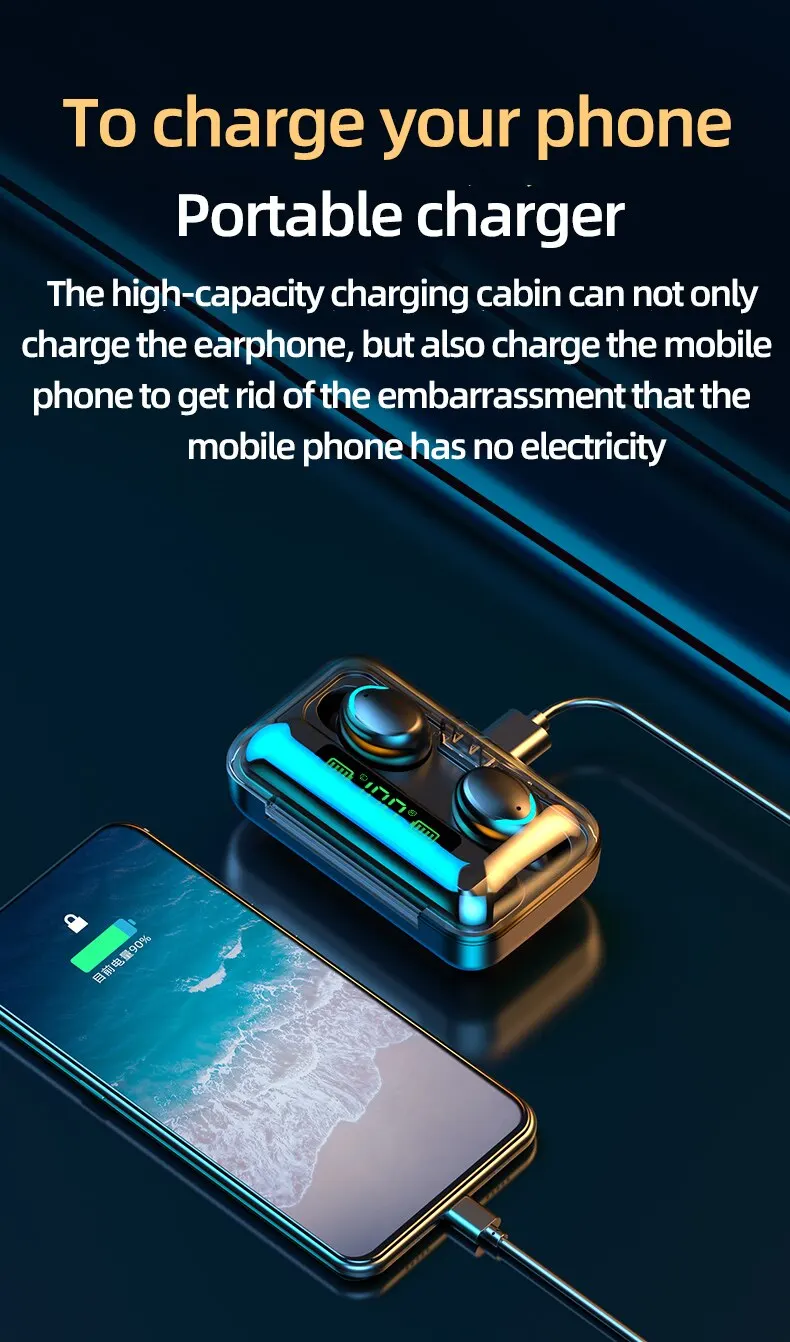
Charging compartment capacity: 1200mAh
Universal functions: music playback/pause, binaural calls, intelligent noise reduction
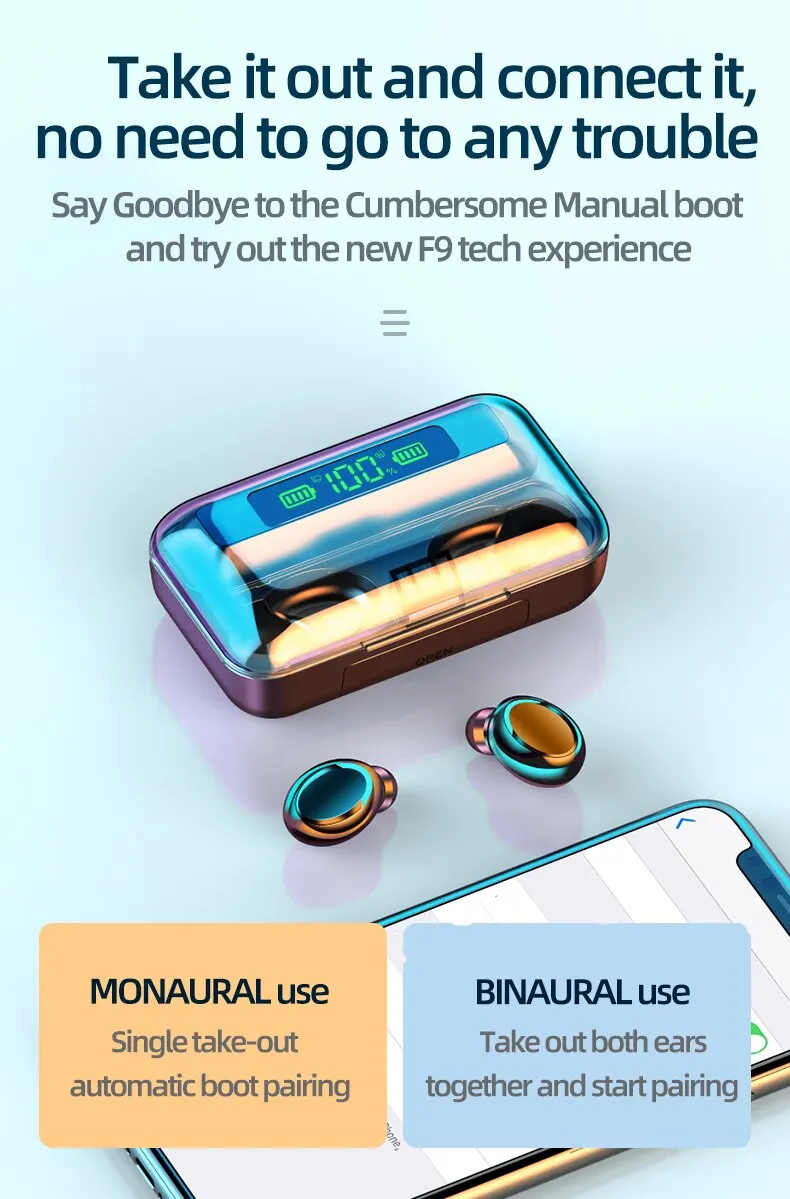
1. Turn on Bluetooth headphones and set them to pairing mode
2. Turn on Bluetooth function on the device that needs to be connected.
3. Search for available Bluetooth devices on the device.
4. Select the Bluetooth headset you want to connect.
5. Wait for the connection between the device and Bluetooth headphones to be established.